
KuaiMiao Multi-Platform Guide: Five Devices, One Step
Many users switch between PC, phone and tablet, and their top concern is whether one account works everywhere. It does. KuaiMiao supports Windows, macOS, Android, iOS and Linux — one account syncs configuration and remaining time across devices. This article covers installation and configuration per platform.
1. Windows and macOS
Windows users run the .exe installer and follow the wizard. macOS users drag the .dmg into Applications. After login, the main screen shows the node list and connect button. For gaming, enable Smart Routing so game traffic gets the low-latency line exclusively.
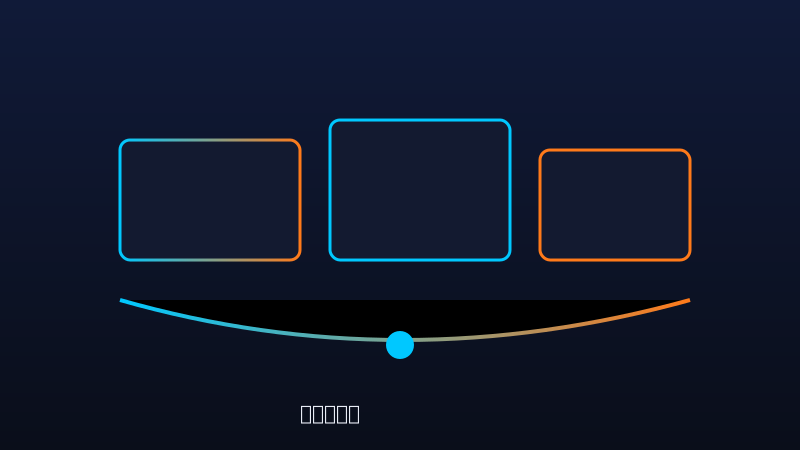
| Platform | Package | Scenario |
|---|---|---|
| Windows | .exe | Gaming, work |
| macOS | .dmg | Work, video |
| Android | .apk | Mobile gaming |
| iOS | App Store | Mobile work |
| Linux | .deb / .rpm | Dev, server |
2. Android and iOS
Android users install the .apk and grant network permission on first launch. iOS users install from the App Store. Mobile UI is streamlined, showing the recommended node with one-click connect. Note that some Android systems restrict background running — add KuaiMiao to the background whitelist to avoid disconnection when locked. iOS requires allowing the VPN configuration on first connect.
3. Account Sync and Common Issues
KuaiMiao uses account-level sync: node preferences, split rules and remaining time sync automatically across devices. Concurrent device limits for paid users depend on the plan tier, clearly noted on the pricing page. The common "why re-login on a new device" question is a security measure — new devices require verification, after which normal use continues.
4. Summary
KuaiMiao's five-platform coverage lets users switch seamlessly across devices with one account. Configuration is simple everywhere. Try the cross-device sync by downloading the matching version.

Comments
One account across PC and phone is so convenient.
The Android background tip was timely, was dropping when locked.
iOS VPN setup was simpler than expected.
Linux support is great for development.
Re-login verification is an extra step but safer, understandable.